QUI
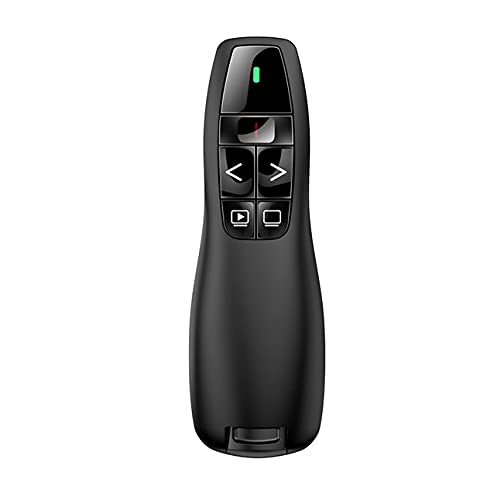
Qui Presentation Clicker Pointer, 328FT Wireless Presenter Remote PPT PowerPoint Clicker, 2.4GHz Presentation Pointer Slide Advancer for Mac, Laptop,
- Introducing the Qui Presentation Clicker Pointer – your ultimate companion for engaging presentations! Crafted from high-quality, environmentally friendly ABS plastics, this wireless presenter not only looks professional but feels great in your hand thanks to its scientific ergonomic design. With a plug-and-play wireless receiver, you'll be up and running in seconds—simply plug it into your USB port and let the magic happen!
- Imagine confidently commanding the room from up to 328 feet (100 meters) away, or even 656 feet when using the red light feature! Whether you're delivering a corporate presentation, teaching a class, or giving a speech, the Qui clicker ensures you can navigate your slides effortlessly. The one-touch keys allow you to display a black screen, move to the next slide, return to the previous one, or even switch to full screen mode.
- Compatible with a wide range of operating systems—including Windows, Mac OS, Linux, and Android—the Qui Presentation Clicker works seamlessly with popular software like PowerPoint, Google Slides, Prezi, and more. Plus, it comes with a handy instruction manual to guide you through the simple setup process.
- Inside the box, you'll find the wireless presenter and USB receiver, but remember to grab 2 AAA batteries (not included) to get started. Elevate your presentations today with this reliable, user-friendly tool that puts you in control!
Product details
| Brand | QUI |
| Availability | In stock |
| ASIN | B08CMMLTJ9 |
| Price | £9.98 |
Frequently asked questions
What is the wireless range of the Qui Presentation Clicker?
The Qui Presentation Clicker offers a remarkable wireless range of up to 328 feet (100 meters) in an open environment, ensuring you can present confidently from a distance.
Is the Qui Presentation Clicker compatible with Mac and Windows?
Yes! The Qui Presentation Clicker is compatible with various operating systems including Windows 2003/XP/Vista/7/8/10, Mac OS, and even Linux and Android.
Do I need to install software to use the Qui Presentation Clicker?
No software installation is required! Simply plug the USB receiver into your device, and you're ready to go with the one-touch keys.
What functions does the Qui Presentation Clicker support?
The clicker supports essential functions such as full screen, black screen, page up, page down, and includes a red light pointer to highlight key points during your presentation.
What is included in the package?
The package includes one wireless presenter and one USB receiver, along with an instruction manual to help you get started. Just remember, you'll need 2 AAA batteries, which are not included.
Is the Qui Presentation Clicker suitable for teachers?
Absolutely! It’s perfect for teachers who want to engage their students while maintaining the freedom to move around the classroom without being tethered to their computer.
Related products

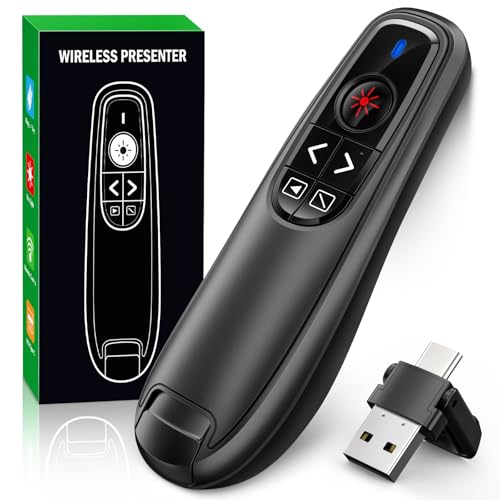
2025 New USB & Type-C 2 in 1 Clicker for Powerpoint,328FT Wireless Presenter Remote PPT PowerPoint Clicker,2.4GHz Hyperlink Volume Presentation Clicker for Powerpoint Computer Laptop Mac
£10.99
Presentation Clicker Wireless Presenter Remote USB C PowerPoint PPT Clicker
£11.99
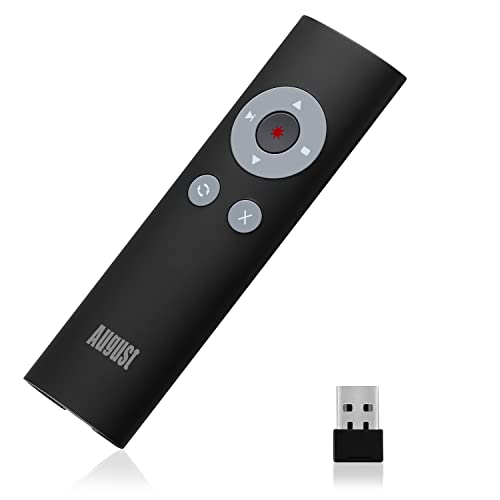
August LP200B Wireless Presentation Clicker – Red Laser PowerPoint Remote, 2.4GHz USB Receiver, 15m Range, ALT+TAB Hotkeys, Carry Case, Slide Advancer for Mac/Windows/Google Slides - Black
£12.95

SunnyOcean Wireless Presenter Remote – USB-C Rechargeable Light Pointer with Timer, LED Display, Volume & Hyperlink Control, 2.4GHz PowerPoint Clicker for Prezi, Mac, Windows, Teachers – Pink
£12.99