
Byeodio
Byeodio Sticker Printer, Mini Photo Printer, Bluetooth Portable Sticker Maker with 3 Rolls Paper, Print Pod Inkless Thermal Printers for iphone, Impresora Portátil for Notes, Journal, DIY, Kids Gift
- Discover the Byeodio Mini Sticker Printer, your perfect companion for all your labelling and creative needs! This innovative thermal printer comes with three rolls of 57mm (2.2") x 3.5m (12ft) sticker thermal paper, allowing you to create custom labels in any shape or size with just a pair of scissors. Say goodbye to the fuss of ink—this inkless printer works seamlessly with both sticky and non-sticky thermal papers, including coloured and transparent options, making it incredibly versatile for your projects.
Product details
| Brand | Byeodio |
| Availability | Currently unavailable |
| Weight | 0.69886537054 pounds |
| ASIN | B0FDWGDFK4 |
| Price | £16 |
Frequently asked questions
What devices are compatible with the Byeodio Mini Sticker Printer?
The Byeodio Mini Sticker Printer is compatible with both iOS and Android devices, allowing for a seamless Bluetooth connection via the "Nada Print" app.
Can I print in colour with this printer?
This mini sticker printer exclusively prints in black and white, but it supports a variety of thermal paper options, including coloured and transparent stickers.
How do I set up the printer for use?
Setting up the Byeodio Mini Sticker Printer is simple! Just insert the thermal paper, pull it out by 1-2cm, and connect via Bluetooth to start printing.
What types of projects can I use this printer for?
This versatile printer is perfect for creating labels, bookmarks, journals, to-do lists, and even customised greeting cards, bringing your creativity to life on-the-go!
Is the Byeodio Mini Sticker Printer lightweight and portable?
Absolutely! Its compact design makes it easy to carry in your pocket or bag, making it ideal for spontaneous printing sessions wherever you are.
What features does the accompanying app offer?
The app includes a variety of templates, fonts, filter effects, and themes, enhancing your printing experience with fun and creativity!
Related products
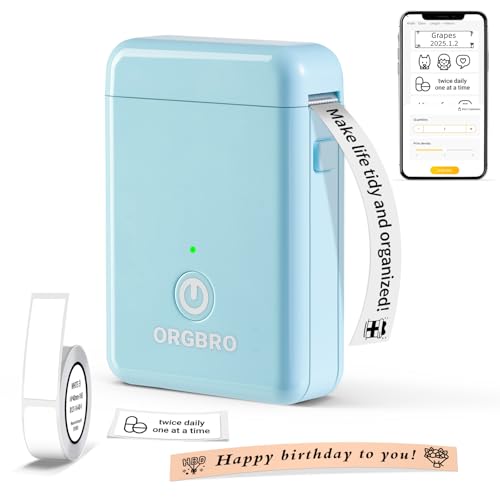
ORGBRO X1 Label Maker Machine with Tape Thermal Portable Bluetooth Label Printer for Smartphones Mini Handheld Sticker Maker with Multiple Templates for School Office Home Kitchen Organization, Blue
£14.99
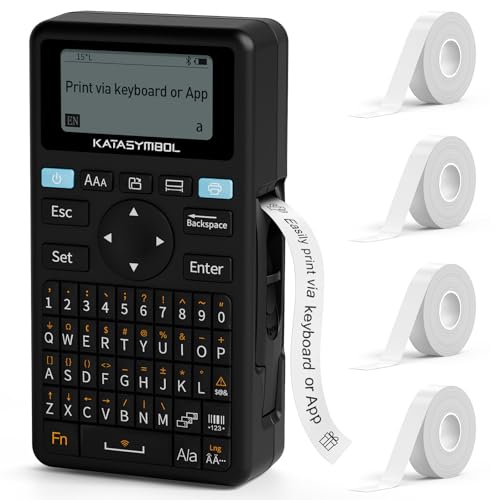
SUPVAN E11 Bluetooth Label Maker Machine with 4 Tapes, Support Keyboard & App with 40 Fonts and 450+ Icons, Rechargeable Inkless Labeler for Home, Kitchen, Office, School Organization, Black
£49.99

Dymo LetraTag 200B Bluetooth Label Maker | Compact Label Printer | Connects Through Bluetooth Wireless Technology to iOS and Android | Includes 1 White Paper Label Tape | Black
£27.36

NIIMBOT B1 Label Maker Machine, 2 Inch Bluetooth Thermal Label Printer, Easy to Use Sticker Printer Compatible with iOS and Android, with 1 Roll Waterproof Labels for Retail, Office, Home (Blue)
£25.41